
Steps:
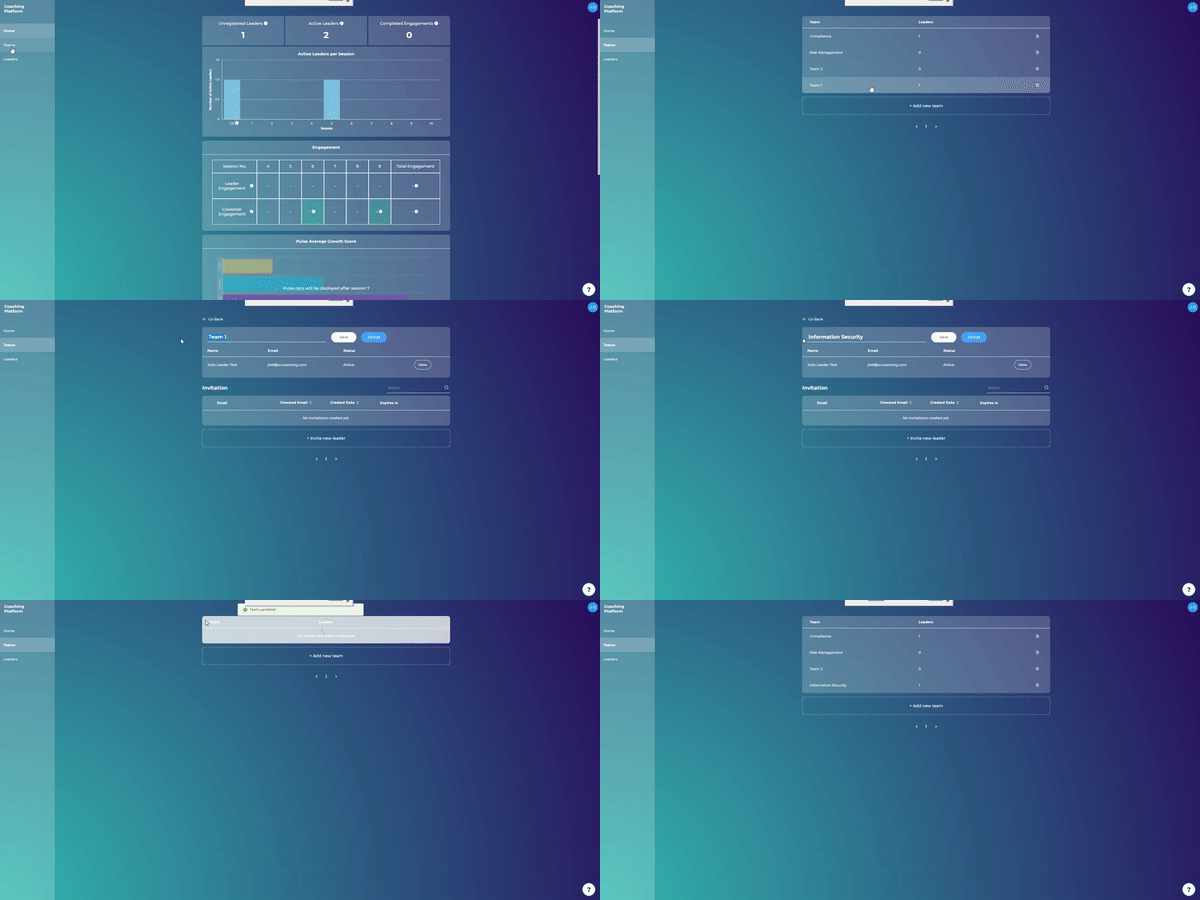
Go to "Teams"
Click on a team
Click on the pencil name next to the team name
Add a new name
Click "Save"

What are you looking for?
Getting started
Last updated on 11 Mar, 2021
Steps:
Go to "Teams"
Click on a team
Click on the pencil name next to the team name
Add a new name
Click "Save"