

Once added to the coaching platform, a leader has 60 days to register. If 60 days have passed and the leader has not registered, they need to be added again to the coaching platform (if they try to click on the registration link after 60 days have passed the link will be inactive). You can resend the invitation email to the leader reminding them to register by following the steps hereunder.
Steps:
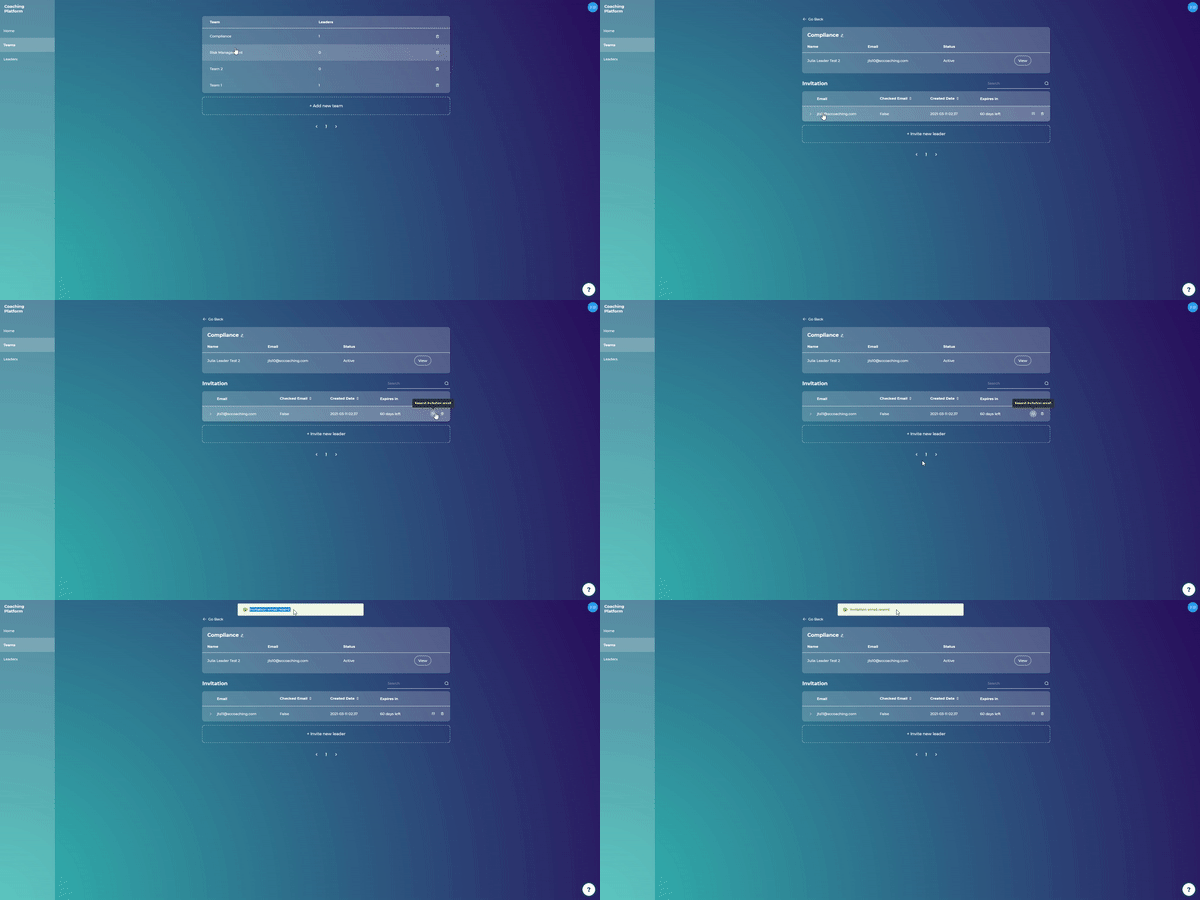
Go to the Teams menu
Click on the team of the recently added leader
Click on the envelope icon that says "Resend invitation email"
Click "Confirm"
Note: A leader will be added to the Leaders page only after they register.